 INBOUND
01
Connect the legs
Link inbound and outbound TMS jobs to the same transfer load, destination and planned departure.

LOGISTICS · HUB & TRANSFER
For carriers, 3PLs and distribution networks with hubs or cross-docks
Connect inbound and outbound TMS jobs with physical transfer, dock and scan events. When a vehicle runs late, see which freight risks missing its connection and route the proposed change for approval.
ILLUSTRATIVE WORKFLOW
Inbound vehicle: ETA 40 minutes late
Connection risk → dock and departure order
CONNECTED OPERATION
One transfer plan across arrival, dock and departure.
THE OPERATING FLOW
Connect existing TMS movements with yard, dock and warehouse events so a delayed inbound load does not quietly miss its outbound connection.
INBOUNDLink inbound and outbound TMS jobs to the same transfer load, destination and planned departure.
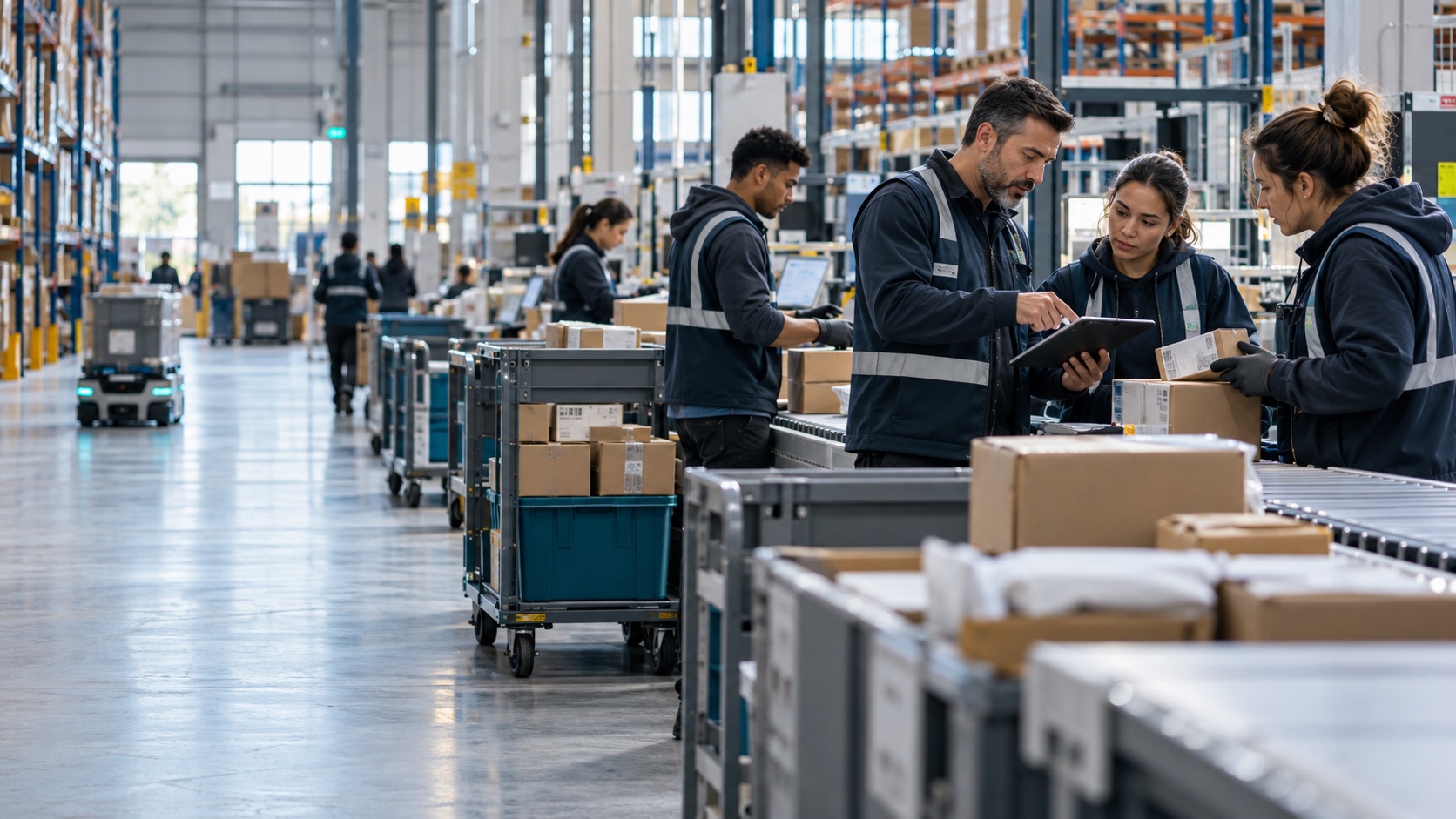 HUB
HUBCompare ETA, actual arrival, unload progress and the time needed to move freight to the outbound door.
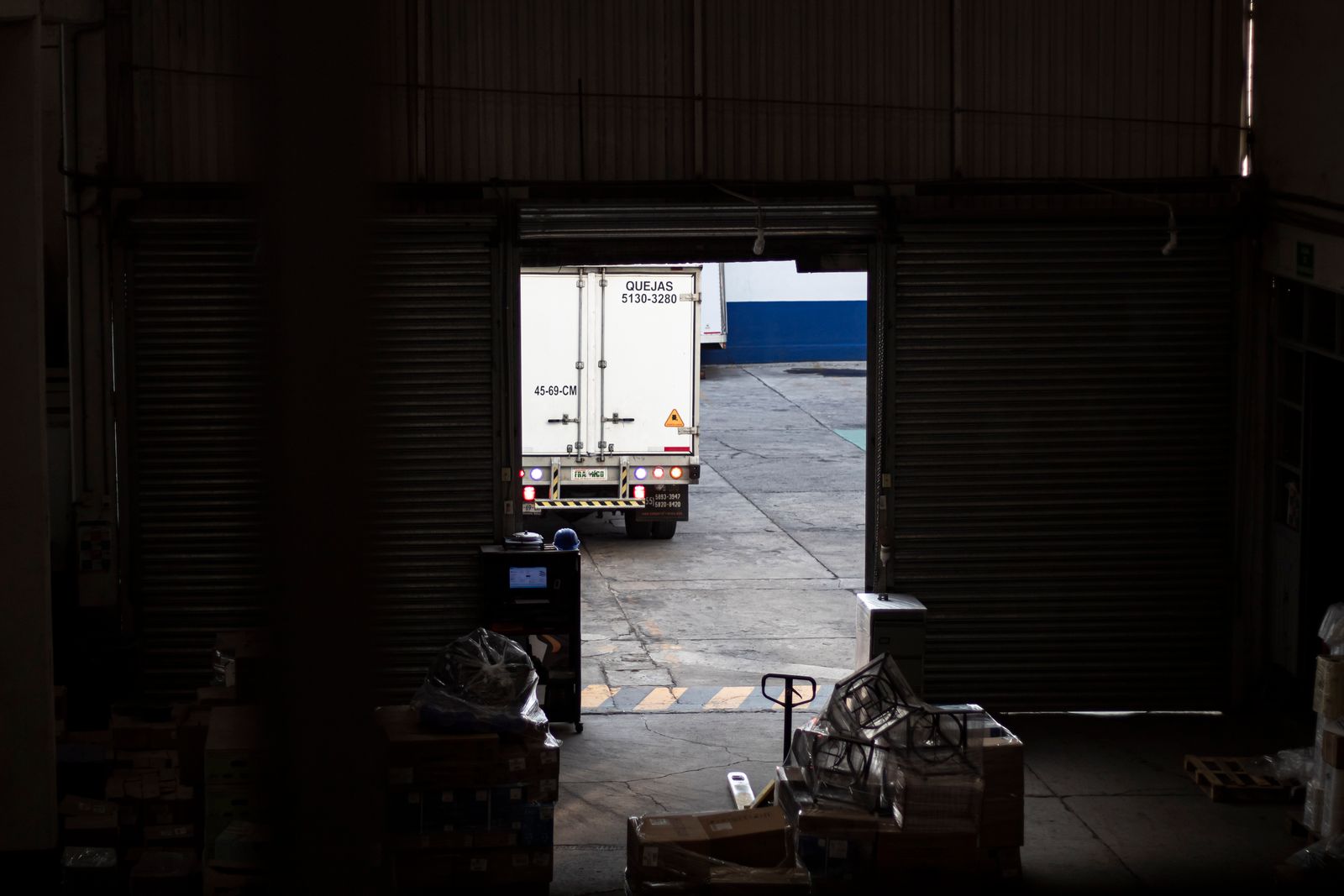 OUTBOUND
Flag a missed connection early; propose dock, load sequence or outbound assignment changes for authorised review.
PROOFMatch scanned or confirmed units with the outbound load and record shortages, handover proof and revised ETA.
OPERATING ABOVE YOUR TMS
Inbound and outbound jobs, destinations and departure times.
Actual ETA, door, unloading and scan progress.
Connection risk, proposed change, owner approval and updated record.
HOW IT WORKS
The system makes the operation visible, carries out routine work and puts each change in front of the right team.
Inbound and outbound TMS jobs, ETA, door assignment, unload progress, unit counts, cutoff and departure status.
Leg linking, ETA checks, connection-risk alerts, task routing, unit matching and partner status updates.
Propose a different door, transfer order or outbound connection when time or capacity changes; apply only approved changes.
EXAMPLE · INBOUND LOAD ARRIVES LATE
An inbound vehicle's new ETA leaves too little time to unload and transfer 18 pallets before the outbound cutoff.
The system identifies affected shipments, checks available doors and outbound capacity, and proposes a revised dock and loading sequence. The hub lead approves the change; TMS and yard work are updated.
The team knows which freight can still depart, which needs a new connection and whom to notify.
LOSS PREVENTED
Missed departures, freight left behind, calls between hubs and unexplained transfer differences.
HOW WE MEASURE VALUE
Measure missed connections, dwell time and handling differences per hub and lane before and after deployment.
NEW POSSIBILITY
A transfer record that follows the freight across both TMS legs and the physical hub handover.
CONNECTED SOLUTIONS